


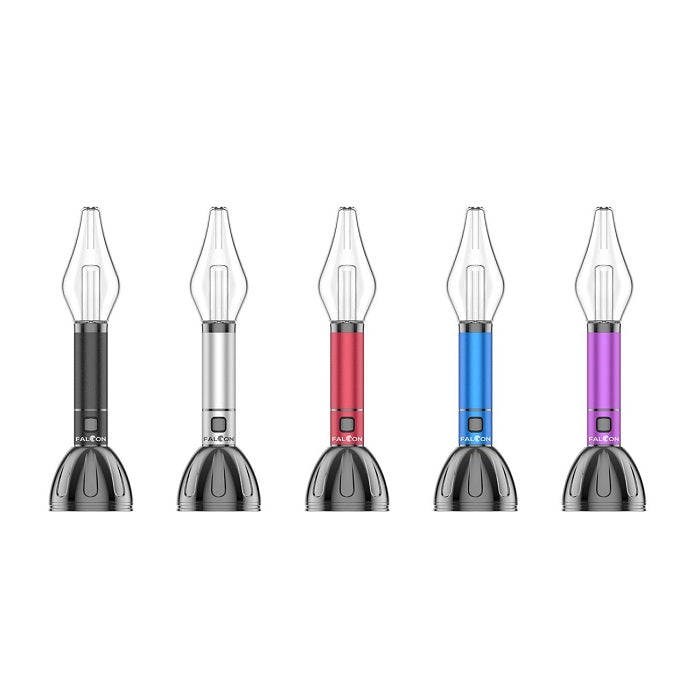
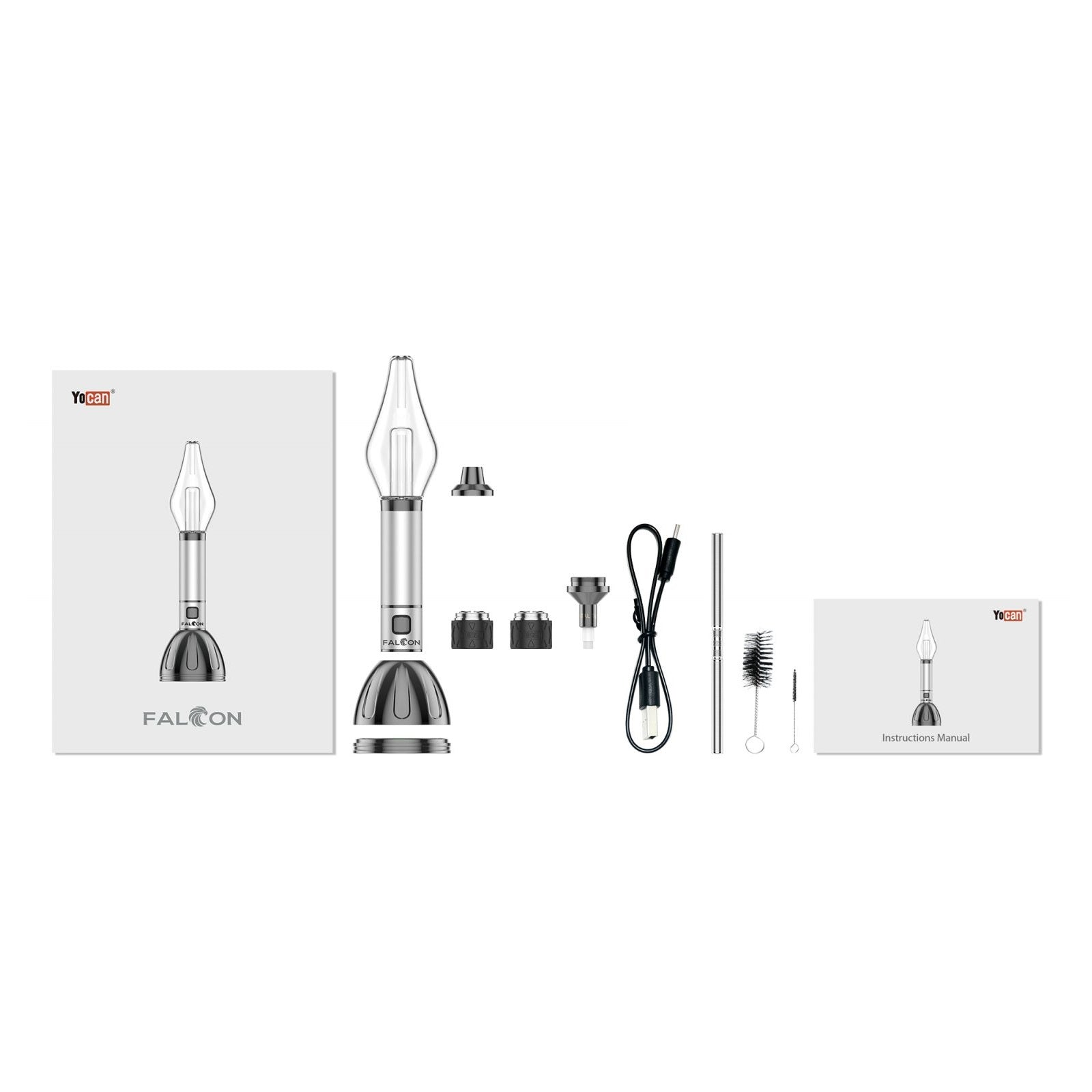
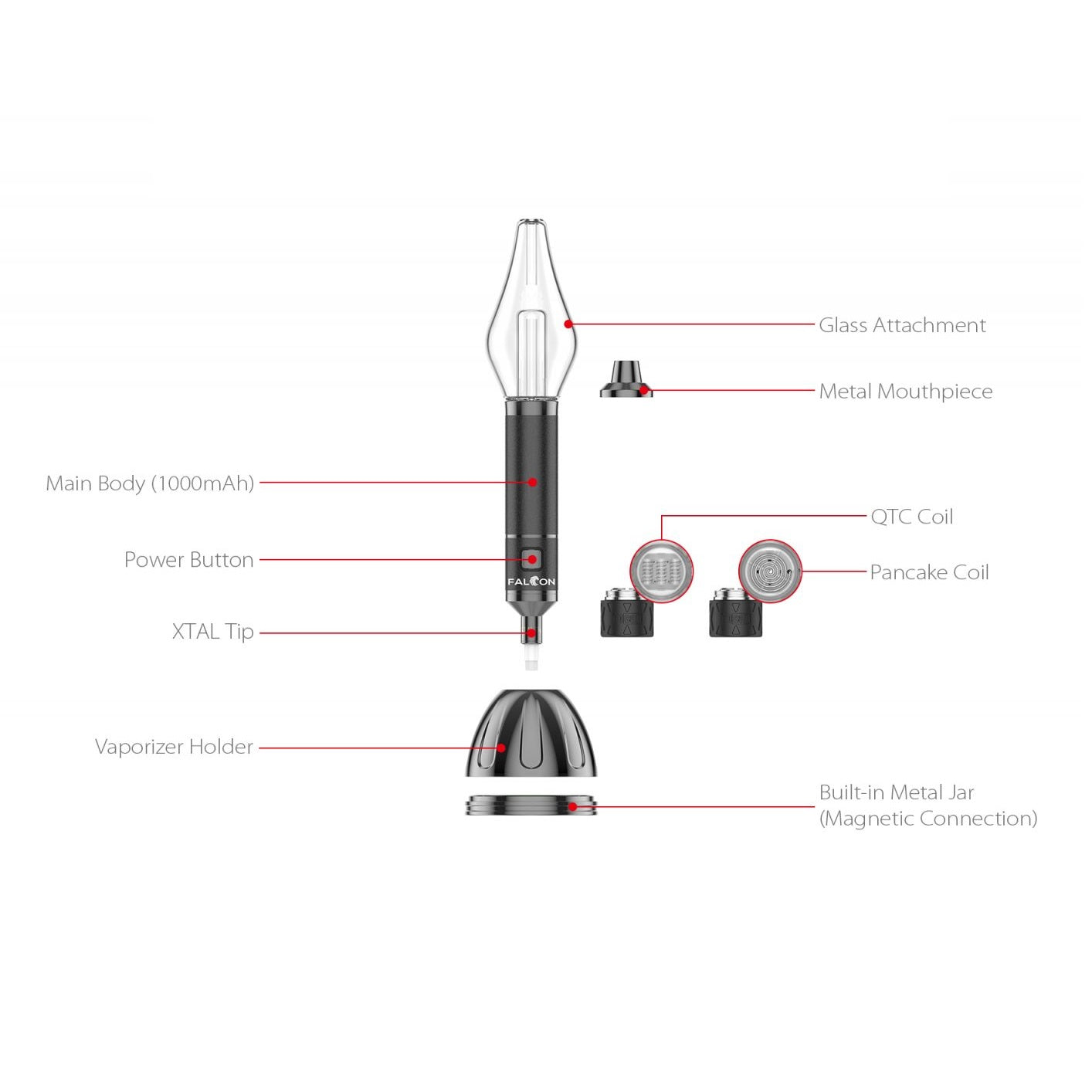
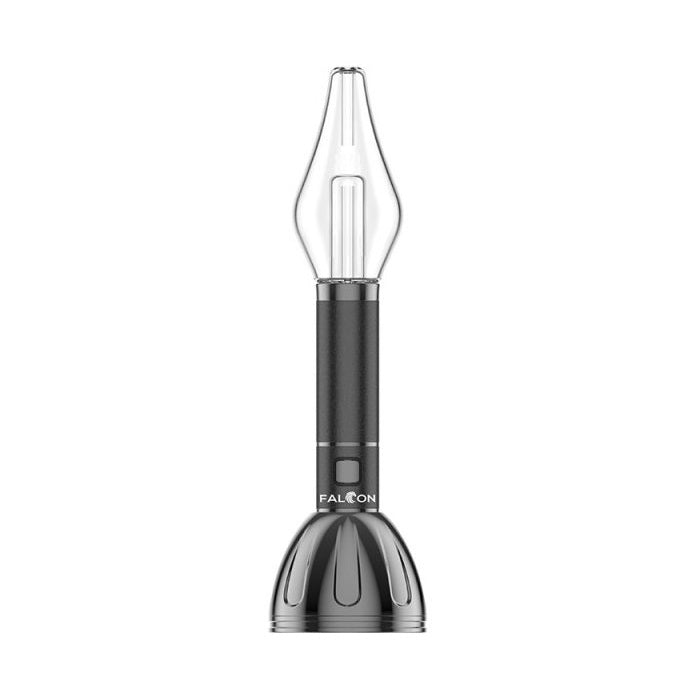
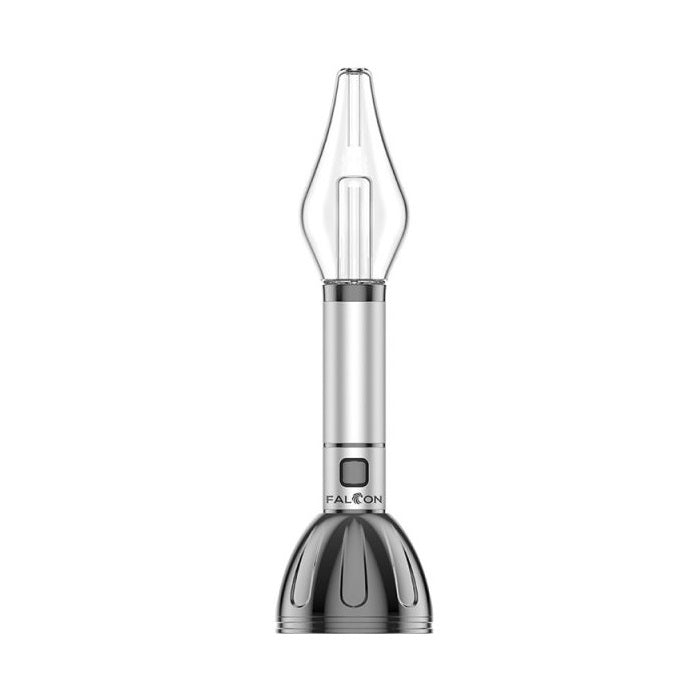
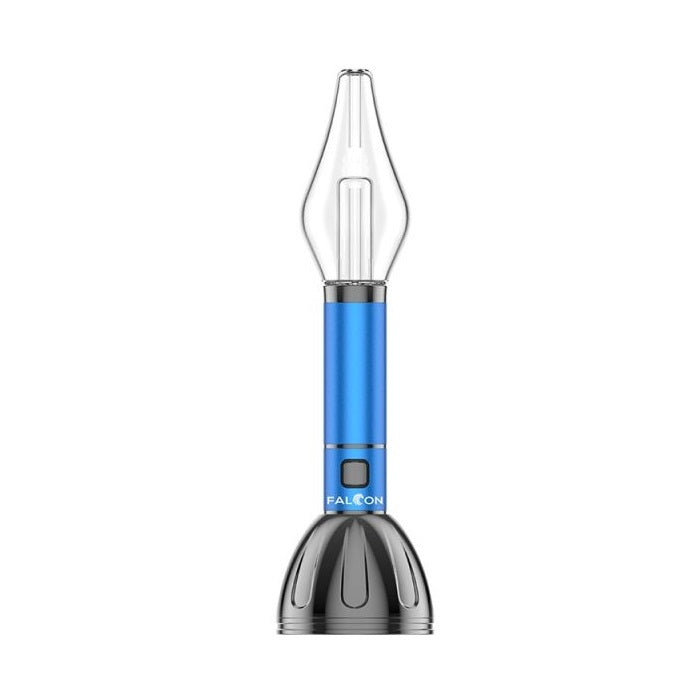
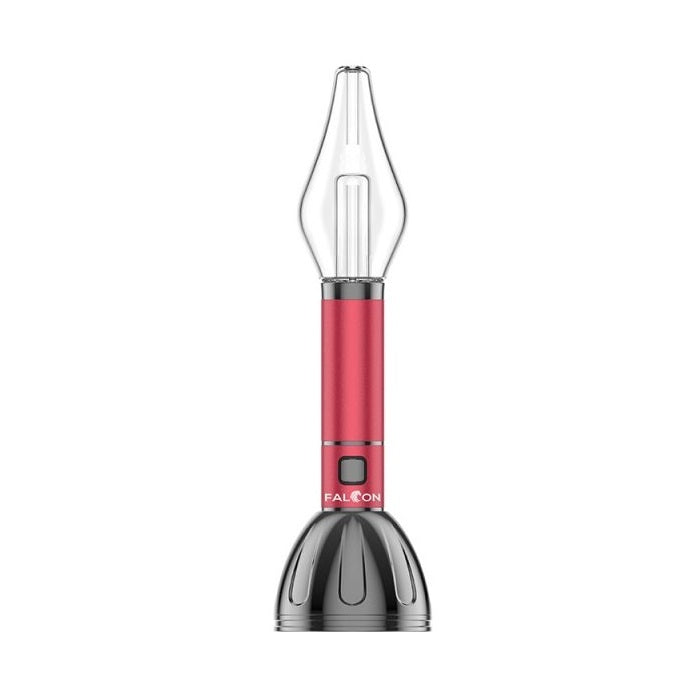
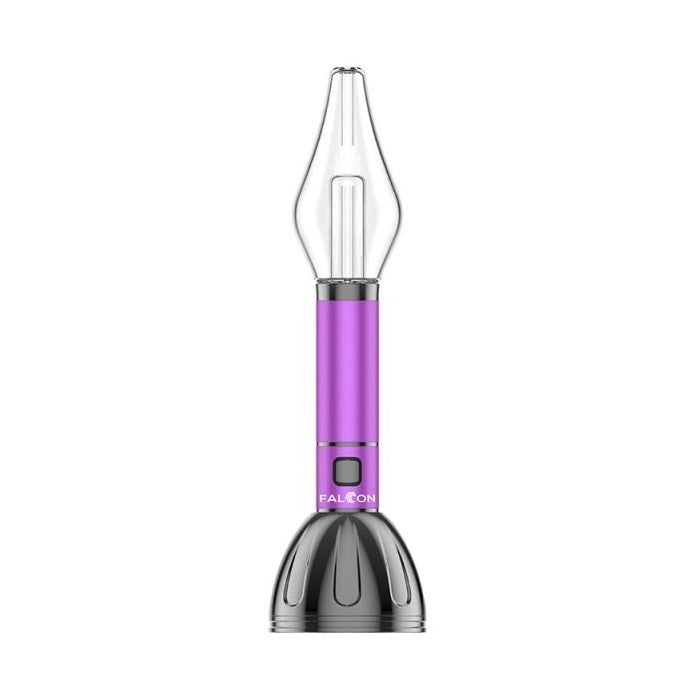
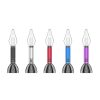
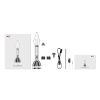
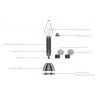
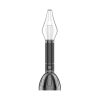
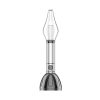
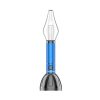
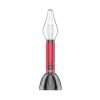
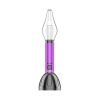
Yocan Falcon Heating Device — Dual-Use Precision Engineering Meets All-Day Pocket Portability
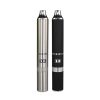
The Yocan Falcon is engineered for the discerning enthusiast who refuses to compromise between concentrate performance and dry herb versatility — all within a single, palm-sized kit that slips effortlessly into any pocket or bag. Unlike the cluttered, single-purpose setups flooding the market, the Falcon consolidates two distinct heating experiences into one rigorously calibrated device, eliminating the need to carry redundant hardware and saving you real money on duplicate purchases. Whether you’re navigating a busy commute or settling in for a focused session at home, the Falcon’s precision voltage control and advanced ceramic chamber architecture deliver a consistently clean, full-spectrum experience from the very first draw to the last.
Yocan Falcon — Real-World Solutions for Common Pitfalls
- Two Devices, One Battery: The Yocan Falcon’s hybrid chamber design allows seamless switching between concentrate and dry herb modes without swapping batteries or carrying a second kit — a game-changer for users who previously juggled two separate devices and still ended up with a dead cell at the worst possible moment. The unified 510-thread platform means any compatible attachment integrates instantly, keeping your loadout lean and your wallet intact.
- Pure Flavor Guaranteed: At the heart of the Falcon sits a food-grade ceramic heating chamber engineered to transfer heat evenly across your material without ever making direct metallic contact — the exact mechanism responsible for the harsh, industrial aftertaste that plagues cheaper coil-based setups. Ceramic’s chemically inert surface ensures that every draw tastes exactly like your material, not like a burnt wire, session after session.
- Even, Consistent Heating: The Falcon’s convection-assisted airflow routing distributes thermal energy uniformly across the entire chamber surface, so the material on the outer edges heats at precisely the same rate as the material at the core. This eliminates the dreaded “cold pocket” phenomenon where half your material passes through unactivated, meaning you extract maximum value from every load from the opening draw straight through to the satisfying finish.
Yocan Falcon — Step-by-Step User Setup & Maintenance Guide
- First-Time Activation: Before your inaugural session, connect the Falcon to a power source via its USB-C charging port and allow the 1400mAh battery to reach a full charge — the LED indicator will shift from pulsing red to a steady white, confirming complete calibration of the internal battery management circuit. Once fully charged, rapidly press the firing button five times in succession to unlock the device; the LED will cycle through its three voltage colors once to confirm the connection is live and the device is ready for operation.
- Material Loading Optimization: When loading the ceramic dry herb chamber, grind your material to a medium-fine consistency and pack it loosely enough that a gentle breath of air passes through with minimal resistance — overpacking collapses the internal airflow routing and starves the convection cycle of the oxygen it needs to heat evenly. For concentrate use, apply a small, pea-sized amount directly onto the ceramic dish using the included loading tool, ensuring the material contacts the heating surface without bridging the airflow aperture at the chamber’s center.
- Voltage Regulation: The Falcon operates on a single-button, triple-click voltage adjustment protocol cycling through 3.2V (low, blue LED), 3.7V (medium, white LED), and 4.2V (high, red LED) — start new material on the low setting to preserve terpene integrity and step up only when you require denser output. The single-button connection logic also means a five-click sequence both locks and unlocks the firing circuit, preventing accidental activation inside a bag or pocket during transit.
- Routine Element Cleaning: After every three to five sessions, allow the ceramic chamber to cool completely, then use a dry cotton swab to sweep residual material from the chamber walls using gentle circular strokes — never apply isopropyl alcohol while the element is warm, as thermal shock can micro-fracture the ceramic surface and compromise the purity of future draws. For the 510-thread connection ring, a lightly dampened swab run around the brass contact point every two weeks prevents oxidation buildup that would otherwise degrade the electrical connection and introduce inconsistent heating behavior.
Yocan Falcon — Performance & Device FAQ
Q: Can the Yocan Falcon’s 1400mAh battery realistically power a full day of sessions without needing a mid-day recharge?
Yes — the Falcon’s 1400mAh cell is sized specifically to sustain approximately 8 to 12 full dry herb sessions or 15 to 20 shorter concentrate draws on a single charge, comfortably covering a standard day of use for most enthusiasts. If you primarily operate at the 4.2V high-voltage setting, expect the lower end of that range; dialing back to 3.2V significantly extends runtime between USB-C top-ups.
Q: Is the Yocan Falcon’s 510-thread interface compatible with third-party concentrate attachments I already own?
The Falcon uses a universal 510-thread connection that is mechanically compatible with the vast majority of aftermarket concentrate cartridges and atomizer attachments available on the market today. The only caveat is that attachments requiring activation voltages above 4.2V will be capped at the Falcon’s maximum output, so always verify your third-party element’s optimal voltage range before pairing.
Q: What is the correct procedure if the Yocan Falcon’s LED blinks rapidly and the device refuses to fire?
A rapid 10-blink sequence on the Falcon’s LED is the device’s built-in short-circuit protection protocol triggering in response to either a low-resistance atomizer connection or a depleted battery cell — begin by disconnecting any attached 510 element, powering the device off with five clicks, and then reconnecting after a 30-second interval to allow the protection circuit to reset. If the fault persists after a full USB-C recharge cycle, inspect the 510-thread contact pin for debris or compression damage that may be creating an unintended electrical bridge.
Yocan Falcon Full Technical Data
- Battery Capacity: 1400mAh integrated lithium-ion cell
- Charging Protocol: USB-C fast-charge input with onboard battery management and overcharge protection
- Heating Core Technology: Food-grade ceramic dual-use chamber with convection-assisted airflow routing for dry herb and concentrate compatibility
- Thread Compatibility: Universal 510-thread interface, compatible with standard concentrate cartridges and aftermarket atomizer attachments
- Operating Settings: Single-button operation with three voltage levels — 3.2V (low / blue), 3.7V (medium / white), 4.2V (high / red) — activated via triple-click cycling; five-click lock/unlock sequence



Reviews
There are no reviews yet.