


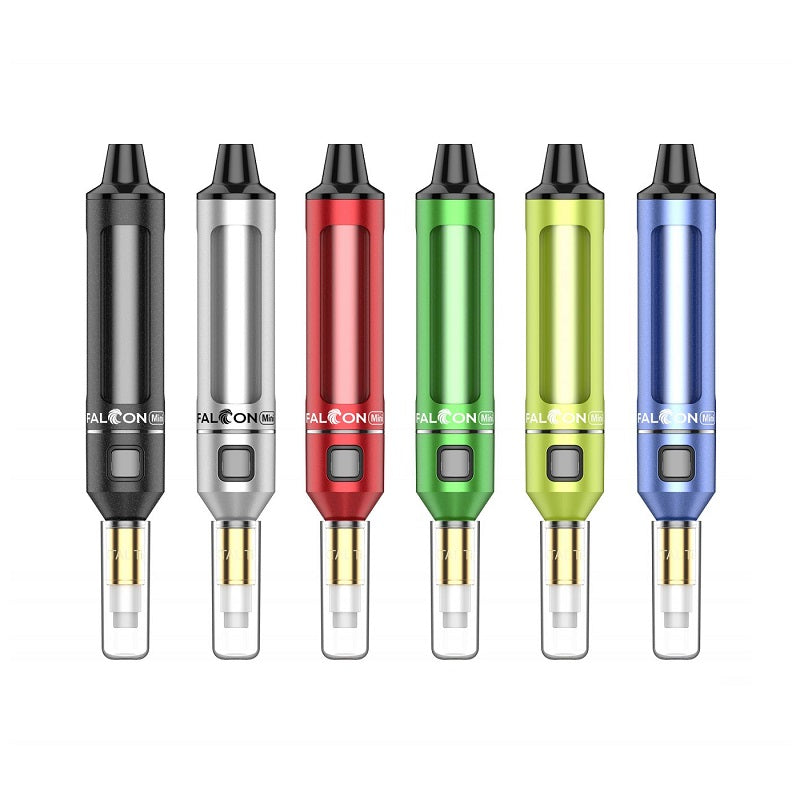
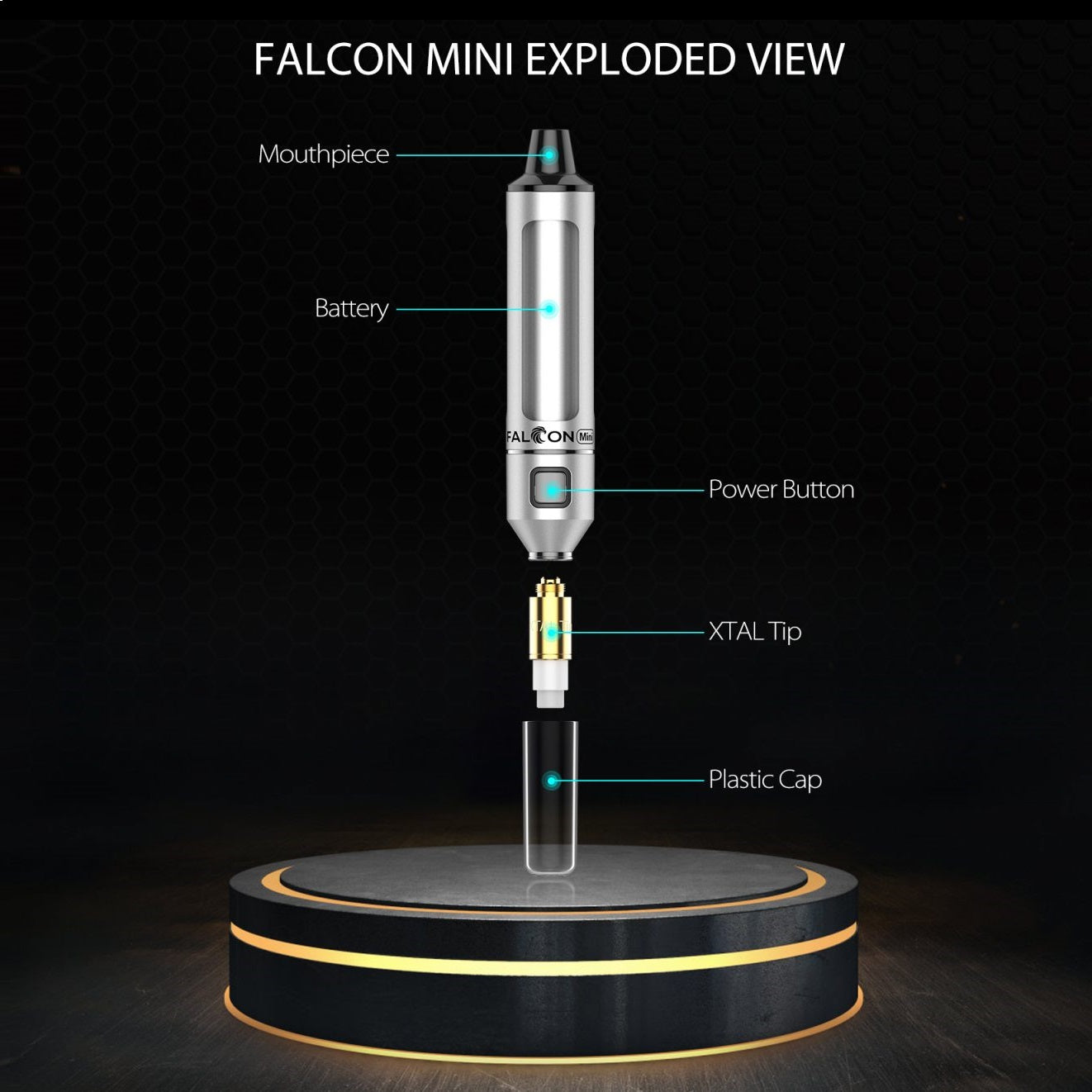
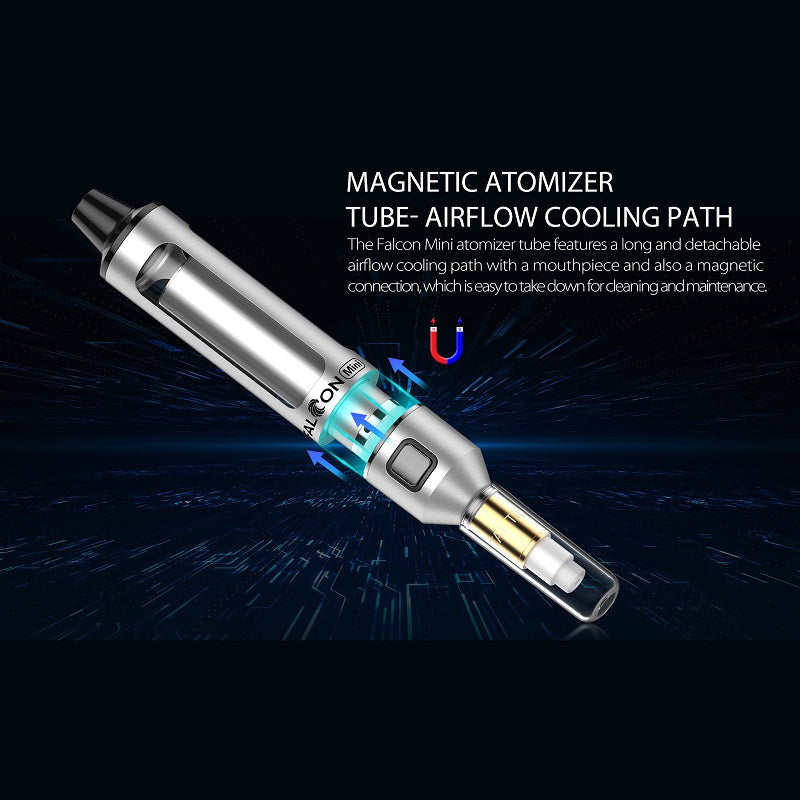
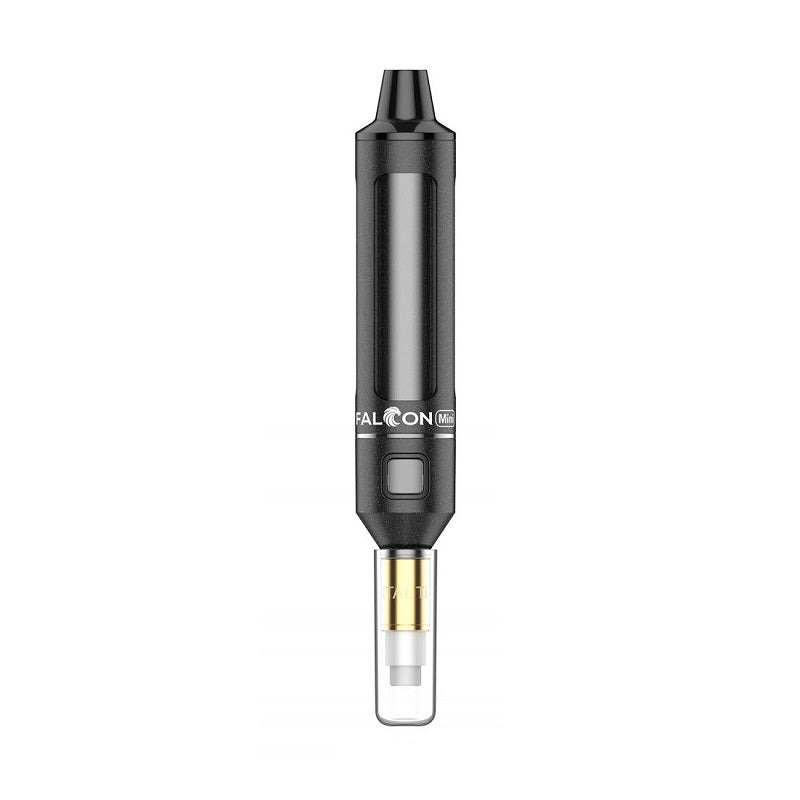
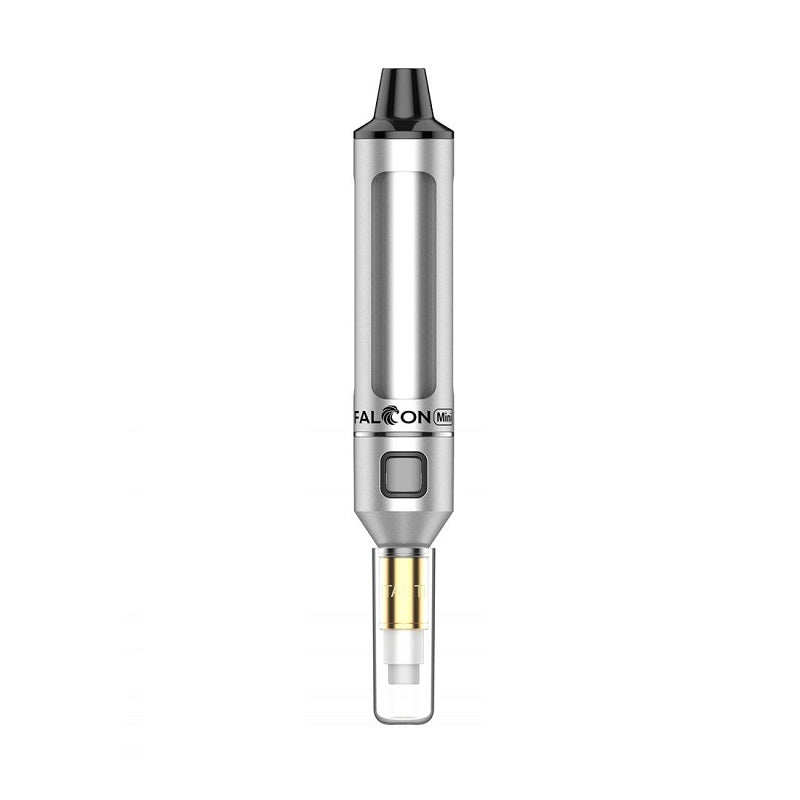
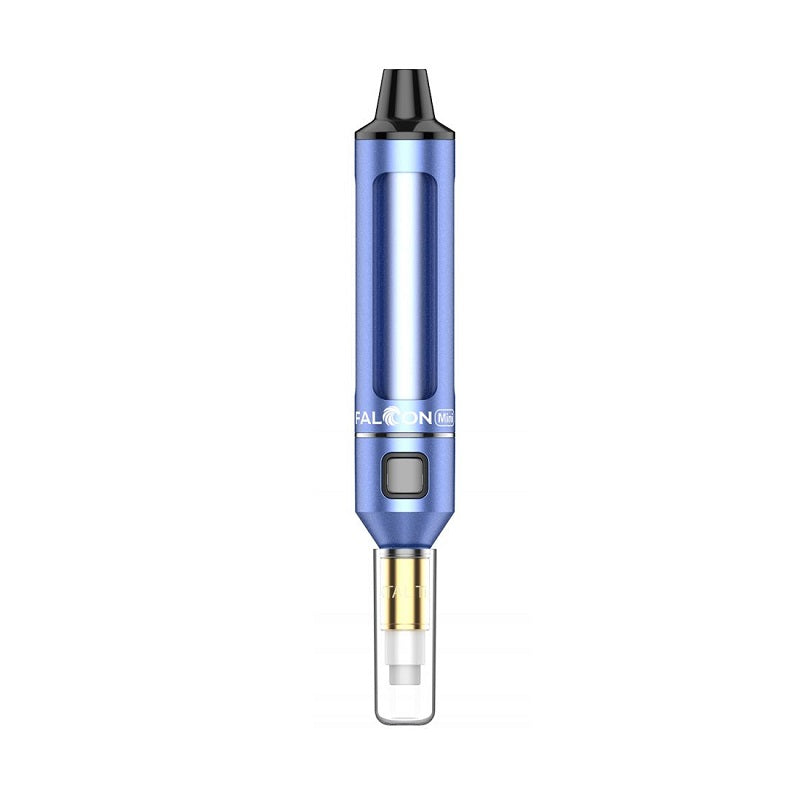
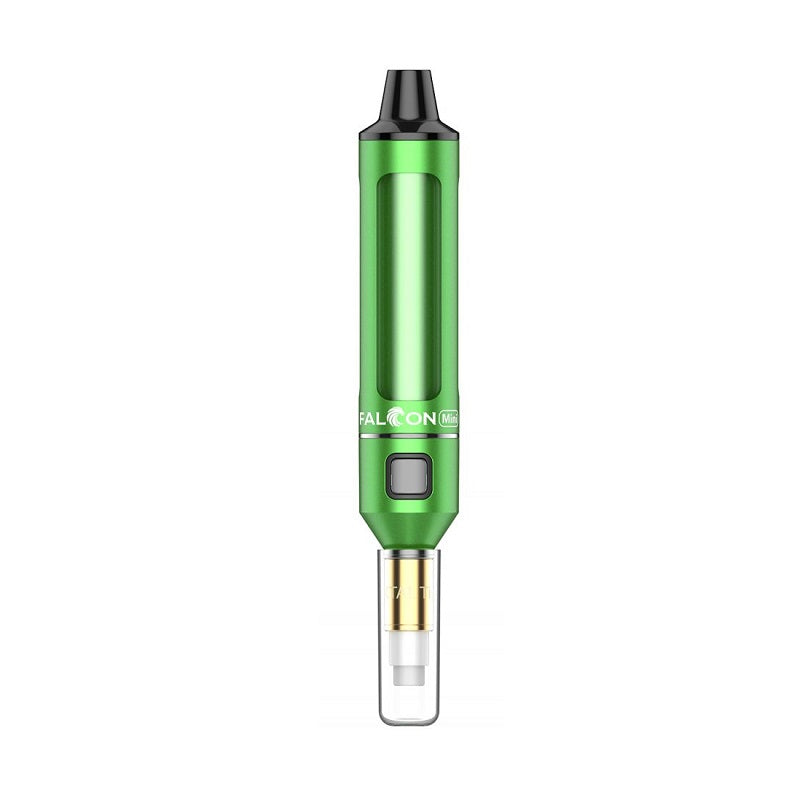
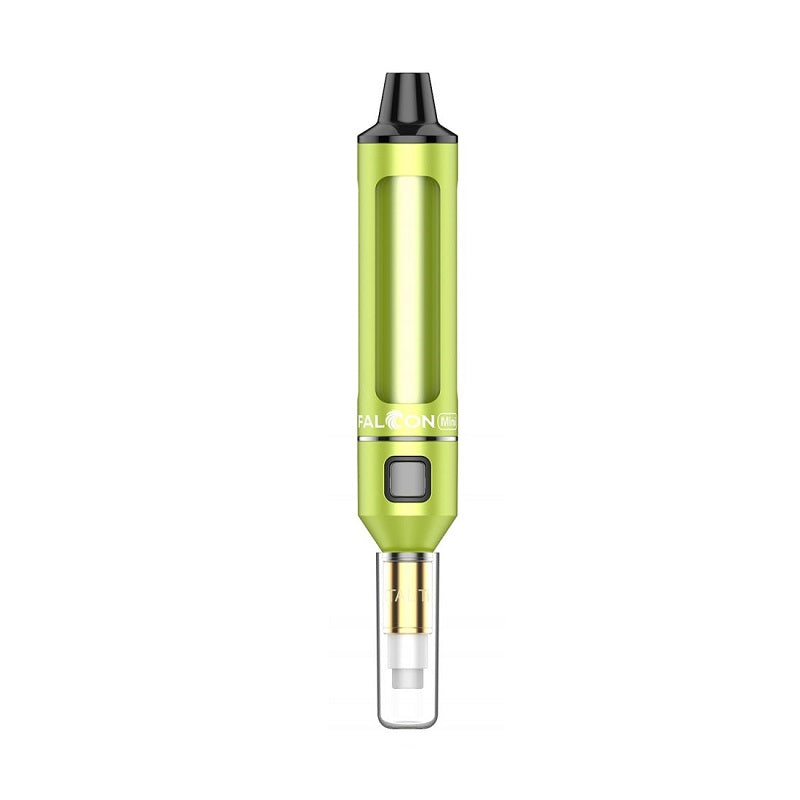
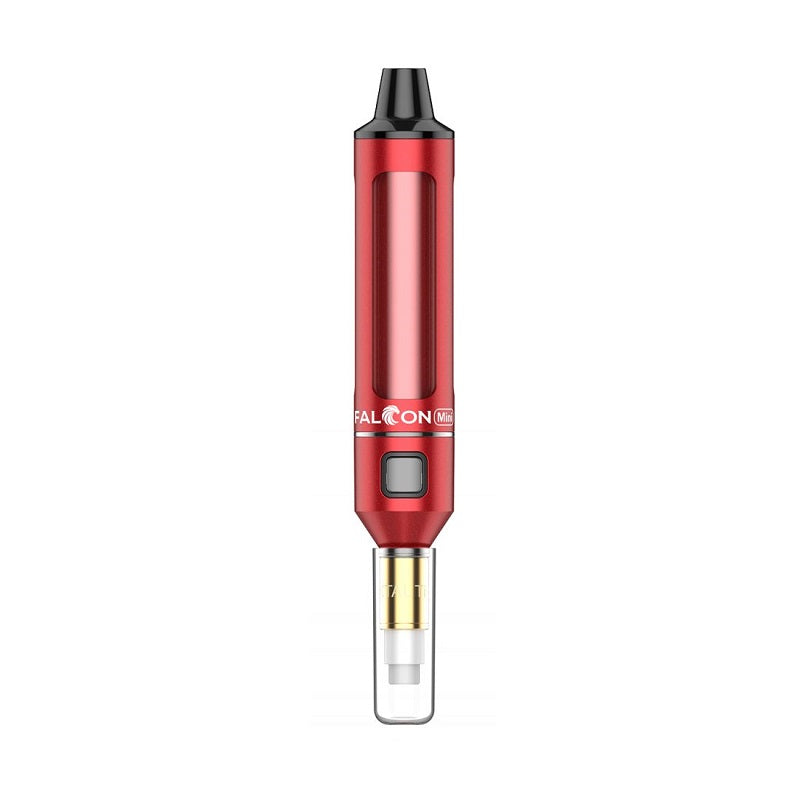
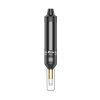
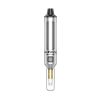
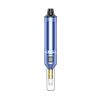
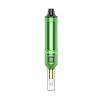
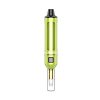
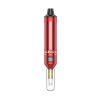
Yocan Falcon Mini Neon Glow Device — Pocket-Sized Precision Heating with Eye-Catching RGB Illumination
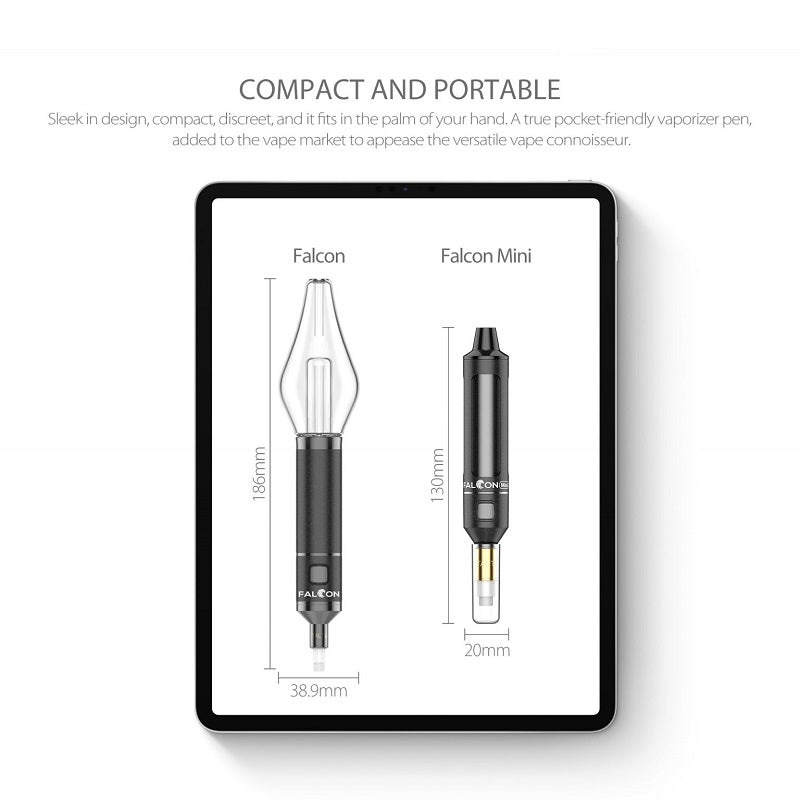
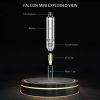
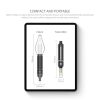
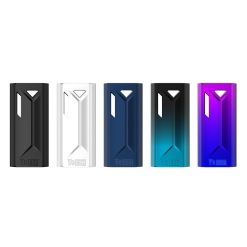
The Yocan Falcon Mini Neon Glow is engineered for the on-the-go enthusiast who refuses to sacrifice performance for portability. Combining a compact, palm-friendly chassis with vibrant neon RGB glow accents, this device stands out in a crowded market by delivering consistent, controlled heating in a form factor that slips effortlessly into any pocket or bag. For buyers who have grown frustrated with bulky, unreliable setups that drain fast and heat unevenly, the Falcon Mini Neon Glow directly addresses every one of those pain points — offering a refined, visually striking experience at a price point that makes upgrading an easy decision.
Yocan Falcon Mini Neon Glow – Real-World Solutions for Common Pitfalls
Everyday users know the frustration of carrying redundant gear, dealing with burnt aftertastes, and watching their session fall apart halfway through. The Falcon Mini Neon Glow was purpose-built to eliminate these exact scenarios:
- Two Devices, One Battery — Streamlined Versatility: The Falcon Mini Neon Glow’s universal 510-thread interface means it pairs seamlessly with a wide range of compatible cartridges and attachments, effectively letting you switch between different material setups without carrying a separate device for each. Instead of stuffing your bag with two or three bulky units and their individual chargers, one compact Falcon Mini handles the full rotation — saving you money, weight, and the constant anxiety of a dead battery mid-session.
- Pure Flavor Guaranteed — No More Industrial Burn-Off: Unlike budget devices that rely on low-grade heating elements prone to scorching your material at the edges, the Falcon Mini Neon Glow utilizes a refined ceramic-core heating architecture that distributes energy gently and evenly across the entire contact surface. The result is a clean, untainted draw every single time — no metallic aftertaste, no harsh chemical burn-off smell, just the pure, natural profile of whatever you’ve loaded in. First-time users consistently report that the flavor clarity is noticeably superior to anything they’ve used in the same price bracket.
- Even, Consistent Heating — First Draw to Last: One of the most common complaints with compact devices is the dreaded “hot spot” problem — where one side of the chamber scorches while the other barely activates, leaving you with wasted material and an inconsistent experience. The Falcon Mini Neon Glow’s precision heating calibration ensures that thermal energy is distributed uniformly from the moment you press the activation button. Whether you’re on your first draw or your fifth, the vapor density and flavor intensity remain remarkably stable throughout the entire session, maximizing efficiency and reducing material waste.
Yocan Falcon Mini Neon Glow – Step-by-Step User Setup & Maintenance Guide
Getting the most out of your Falcon Mini Neon Glow requires understanding its activation logic, loading technique, voltage calibration, and routine cleaning protocol. Follow this comprehensive guide to ensure peak performance from day one:
- First-Time Activation — Charge Status & Power-On Sequence: Before your inaugural session, connect the Falcon Mini Neon Glow to a power source via its USB-C charging port and allow it to reach a full charge — the LED indicator will shift from a pulsing glow to a steady light once the battery is fully topped off. To power on the device, click the single activation button five (5) times in rapid succession within two seconds; the neon glow ring will illuminate and cycle through its signature color display to confirm the unit is live and ready. Never attempt to use the device while it is actively charging, as this can interfere with the internal battery management circuit and reduce long-term capacity.
- Material Loading Optimization — Airflow Routing & Connection Integrity: When attaching a 510-thread cartridge, thread it in gently by hand — finger-tight only — to ensure a clean electrical connection at the center pin without over-torquing the threading, which can damage both the cartridge contact and the device’s 510 connection socket. For optimal airflow routing, avoid loading cartridges that are completely full to the brim; leaving a small air gap at the top of the cartridge reservoir allows vapor to travel through the internal channel without restriction, preventing condensation buildup in the airpath and maintaining a smooth, unrestricted draw throughout the session.
- Voltage Regulation — Precision Calibration via Button Logic: The Falcon Mini Neon Glow features a three-level voltage calibration system accessible through the single multi-function button. With the device powered on, click the button three (3) times in quick succession to cycle through the available output settings — each voltage tier is indicated by a distinct neon glow color so you can instantly identify your current operating level without guessing. Start at the lowest voltage setting when using thinner-viscosity cartridges to preserve flavor integrity and prevent premature coil fatigue; step up to mid or high voltage only when working with thicker concentrates that require additional thermal energy to vaporize efficiently.
- Routine Element Cleaning — Preserving Connection Purity & Flavor Clarity: To maintain the Falcon Mini’s heating performance and connection reliability over time, perform a light cleaning of the 510-thread connection every 10–15 sessions using a cotton swab lightly dampened with isopropyl alcohol (90% or higher). Gently rotate the swab inside the connection socket to remove any residual concentrate or oxidation buildup on the center pin and threading walls — this simple step dramatically extends the life of both the device and your cartridges by ensuring consistent electrical conductivity. Allow the connection area to air-dry completely for at least 60 seconds before re-attaching any cartridge, as residual moisture can temporarily disrupt the signal routing between the battery and the heating element.
Yocan Falcon Mini Neon Glow – Performance & Device FAQ
Q: Does the Yocan Falcon Mini Neon Glow work with all standard 510-thread cartridges, or only Yocan-branded accessories?
The Falcon Mini Neon Glow is built around a universal 510-thread interface, making it fully compatible with the vast majority of third-party 510-thread cartridges available on the market today. As long as the cartridge uses a standard 510 connection and a center-pin depth within normal tolerances, it will seat and fire correctly on the Falcon Mini without any adapters or modifications.
Q: How long does a full charge last, and will the Neon Glow LED drain the battery significantly faster than a standard device?
The Falcon Mini Neon Glow’s integrated battery is optimized to balance both the heating output and the ambient neon illumination without creating a meaningful reduction in session count compared to non-illuminated devices in the same capacity class. Under typical usage patterns — moderate voltage, standard 510 cartridges — most users report comfortably completing multiple sessions on a single charge before needing to reconnect via USB-C.
Q: What should I do if the Falcon Mini Neon Glow’s LED blinks rapidly and the device won’t fire after I attach a new cartridge?
A rapid LED blink sequence upon triggering the activation button typically indicates either a short-circuit protection event or a connection issue between the cartridge’s center pin and the device’s 510 socket — remove the cartridge, inspect the center pin for debris or misalignment, clean the connection socket with a dry cotton swab, and re-seat the cartridge with a firm but gentle hand-tight connection. If the issue persists after cleaning and reseating, try a different cartridge to determine whether the fault lies with the cartridge itself or the device’s internal circuitry.
Yocan Falcon Mini Neon Glow Full Technical Data
- Battery Capacity: 400mAh (compact integrated lithium cell optimized for portable 510-thread use)
- Charging Protocol: USB-C fast-charge compatible port with LED charge status indicator
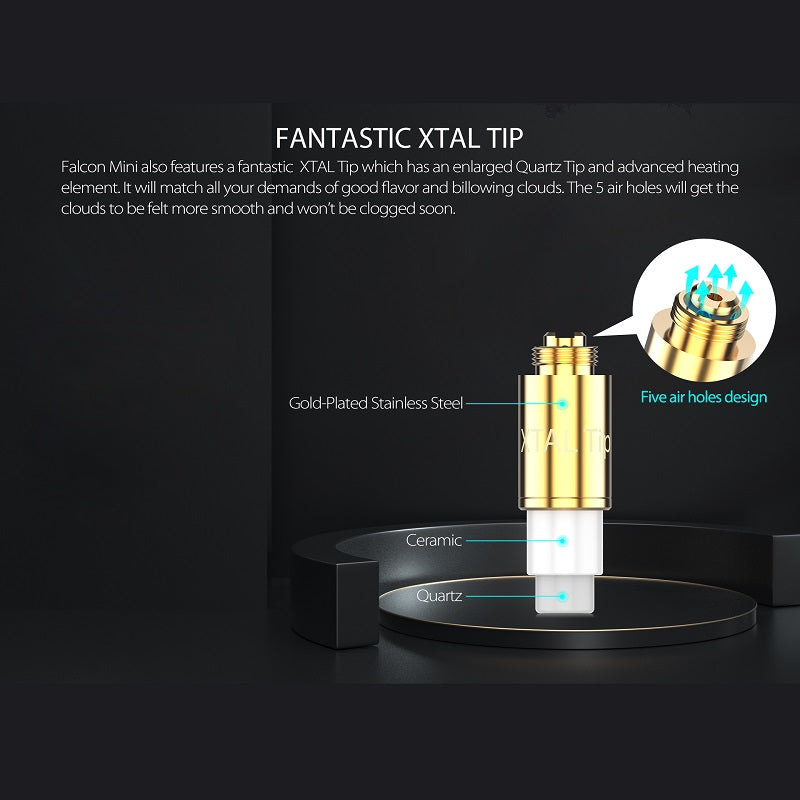
- Heating Core Technology: Ceramic-core heating architecture with precision thermal distribution for clean, untainted draws
- Thread Compatibility: Universal 510-thread interface — compatible with standard third-party and OEM 510 cartridges
- Operating Settings: Single-button operation with 3-level voltage calibration (Low / Medium / High), color-coded via Neon Glow RGB LED ring indicator; 5-click power on/off; 3-click voltage cycle





Reviews
There are no reviews yet.