


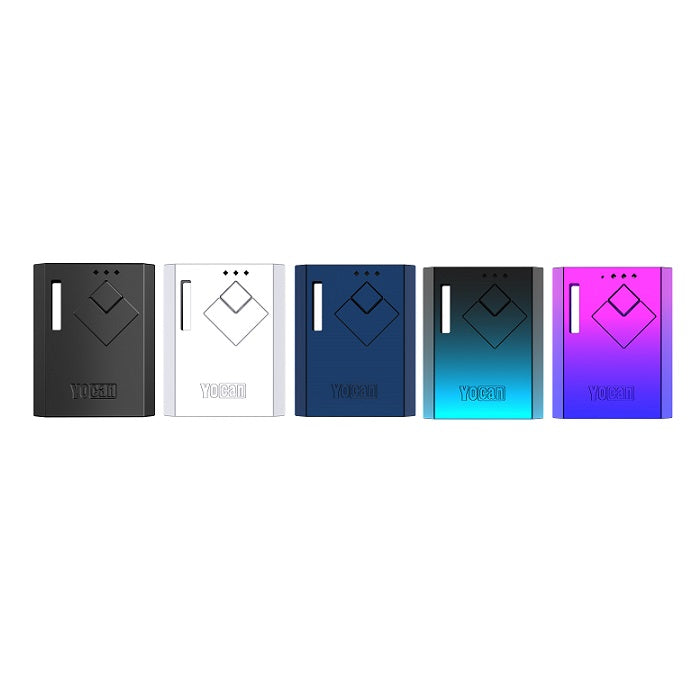
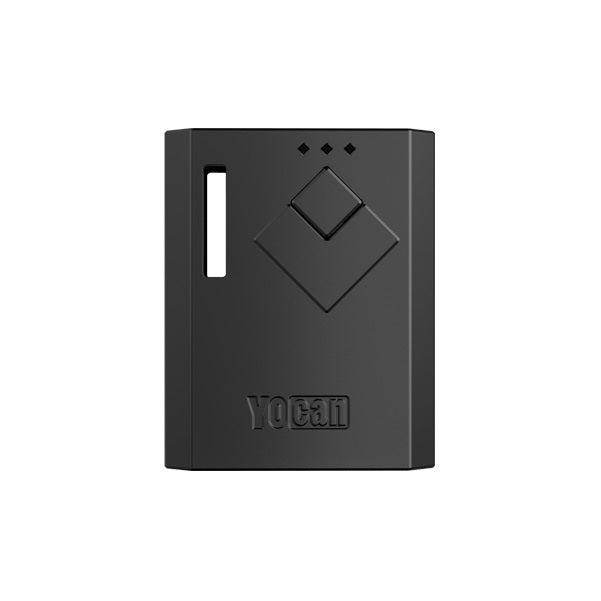
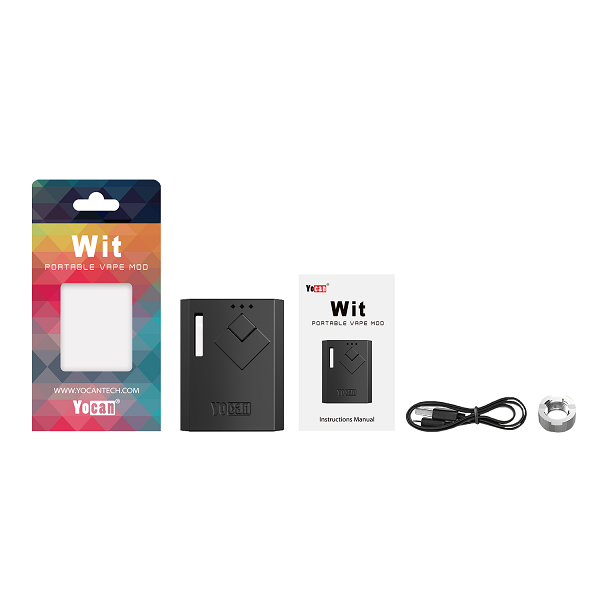
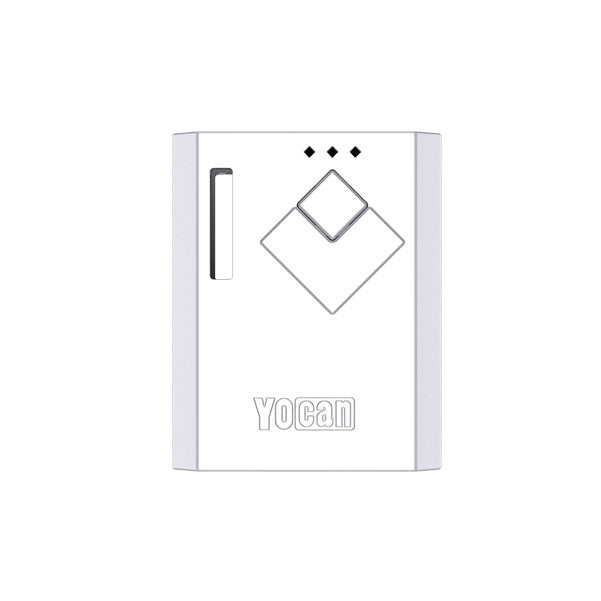
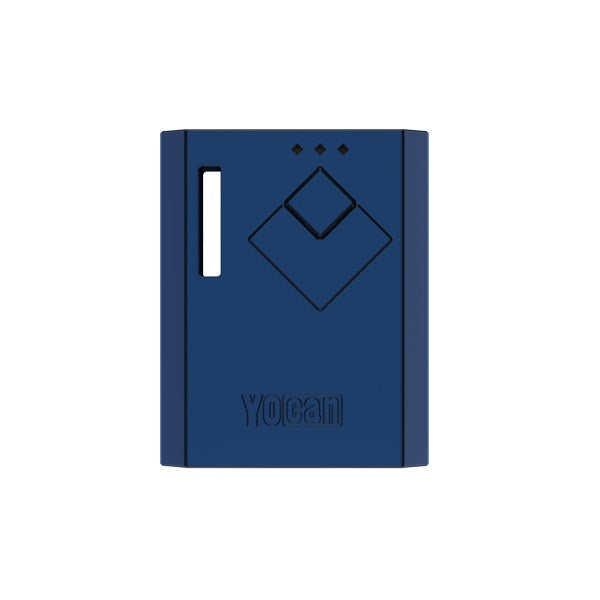
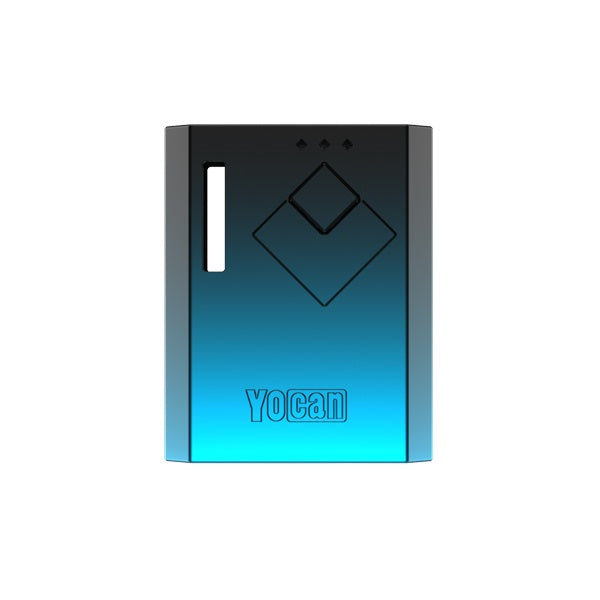
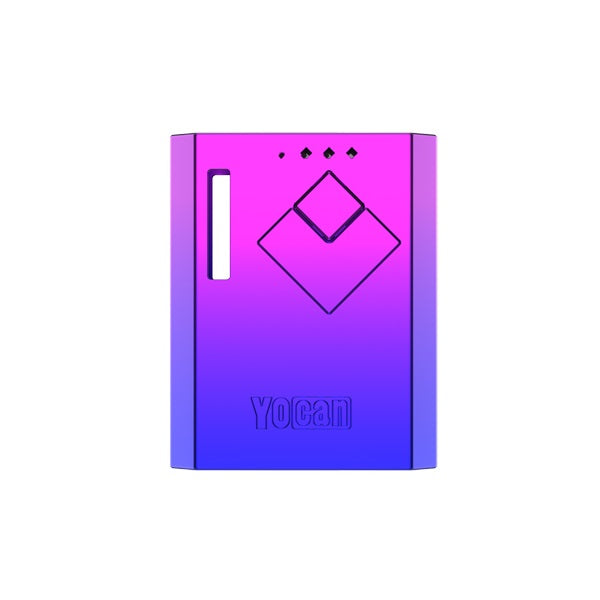
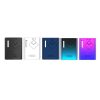


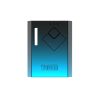
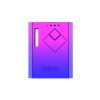
Yocan Wit Box Mod — The Ultra-Compact 510 Thread Battery Built for Stealth Vapers Who Demand Real Voltage Control
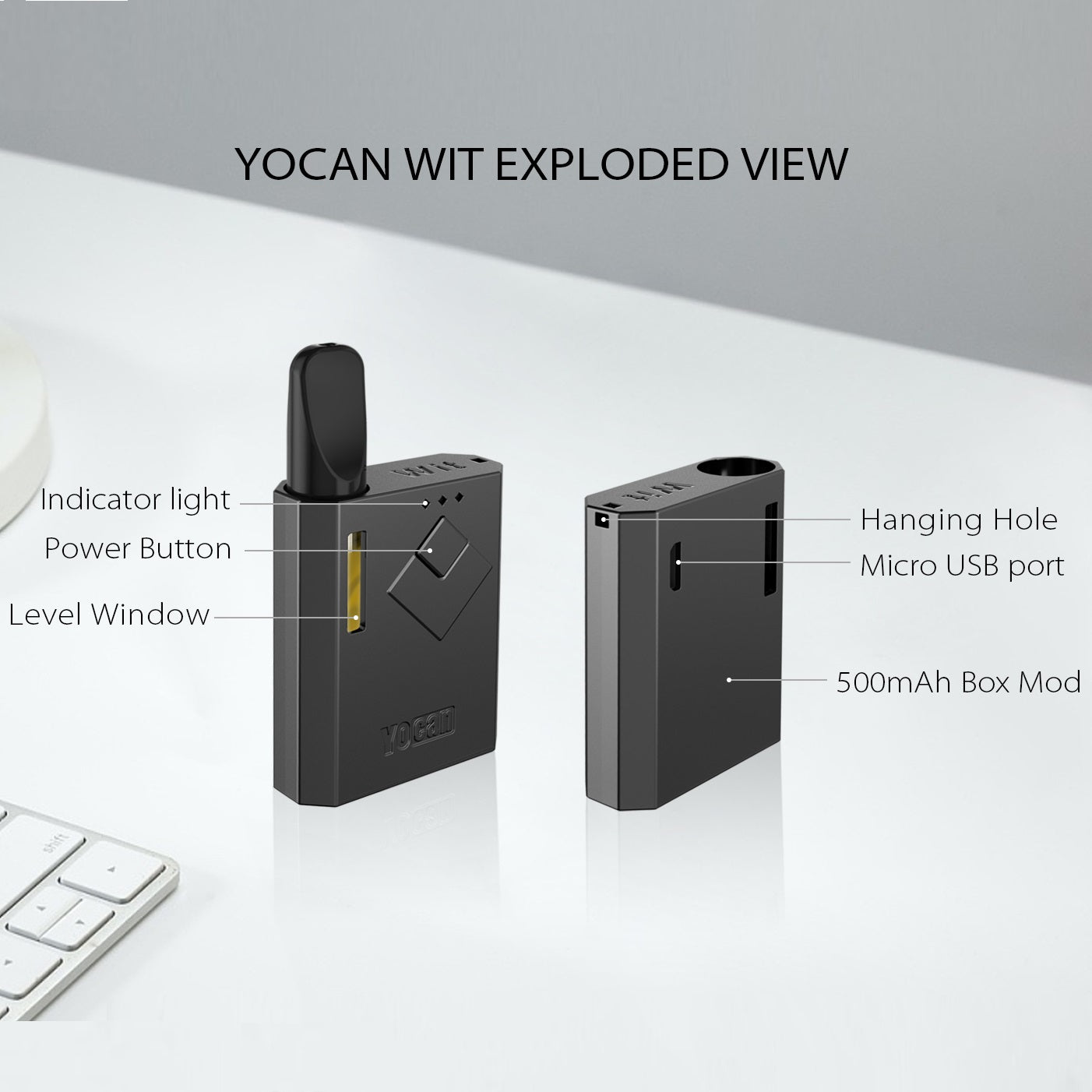
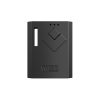
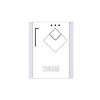
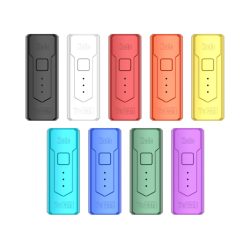
If you’ve ever fumbled with an oversized vaporizer or watched your oil cartridge burn dry because your battery had zero preheat function, the Yocan Wit Box Mod was engineered precisely to end that frustration. This palm-sized, 510-thread-compatible wax pen battery packs a punchy 500mAh rechargeable cell into a chassis that measures just 46mm tall — small enough to disappear in your palm or dangle discreetly from a lanyard. Three-voltage output lets you dial in your exact terp temperature, whether you’re chasing thick, cloud-heavy rips at high voltage or slow, flavor-forward draws at the low setting. The built-in 10-second preheat mode liquefies viscous oil concentrates before your first pull, eliminating the dreaded clogged-cart experience that plagues casual and seasoned vape enthusiasts alike. With a real-time oil-window cut into the body and a whisper-quiet LED indicator, this mod sits at the intersection of discretion and full-featured performance — all at a price point that makes it one of the smartest 510 battery upgrades on the market today.
Three Solutions for Common Vape Pitfalls — Torch-Free Freedom, Pure Flavor & Consistent Heating
Every serious vaper knows the trinity of pain: dead batteries at the worst moment, scorched oil from runaway heat, and cartridges so clogged with thick concentrate you can’t pull a single hit. The Yocan Wit Box Mod attacks all three simultaneously.
Pitfall #1 — The Dead-Battery Dropout. Most mini 510 thread batteries clock in at 280–320mAh and tap out after a handful of sessions. The Wit’s 500mAh capacity gives you meaningfully more draws per charge cycle, and when you do need to top up, the Micro USB port means any charging brick, laptop, or power bank in your bag handles the job. No proprietary cables, no hunting through junk drawers — just plug and go.
Pitfall #2 — Scorched Terps from Uncontrolled Heat. Running a thick oil cart at max wattage without preheating is a recipe for burned hits and wasted concentrate. The three-voltage output system on the Wit gives you precise command: drop to the low setting for terpene-rich, flavor-forward vapor that lets every note in your oil cart sing; cruise the mid tier for a balanced cloud-to-flavor ratio; hammer the high setting when you want full-density rips that fill your lungs. No more one-size-burns-all approach that torches your terps before you even inhale.
Pitfall #3 — The Clogged Cart That Won’t Draw. Cold, viscous distillate and live resin oil concentrates will gel up inside a cartridge overnight, producing an airflow-choking blockage that forces you to suck so hard your cheeks cave in. The Wit’s 10-second preheat mode sends a gentle, sustained pulse of warmth through your attached 510 cartridge, reflowing the oil and clearing the wick before your first pull. Pair that with the built-in oil observation window — which gives you a live view of remaining concentrate level — and you’ll never accidentally burn a dry wick again.
Step-by-Step Yocan Wit Box Mod Setup, Loading & Maintenance Guide
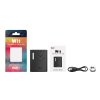
Step 1 — First-Time Activation & Charge Check. Unbox your Yocan Wit and connect it via the included Micro USB cable before your first session. A full charge from empty takes approximately 45–60 minutes; the LED indicator shifts color to confirm completion. Five rapid clicks of the fire button power the device on — your LED will flash to confirm it’s live. This five-click lock/unlock sequence is also your pocket-safety mechanism, preventing accidental firing when the mod is clipped to a lanyard or stuffed in a bag.
Step 2 — Attaching Your 510 Thread Cartridge via the Magnetic Adapter. The Wit ships with a 510-thread magnetic adapter that bridges your standard oil cartridge to the mod’s magnetic connection port. Thread the adapter onto the base of your 510 cart (finger-tight is enough — don’t over-torque), then drop the whole assembly onto the top of the Wit until you feel the satisfying magnetic click. This system means zero cross-threading and genuinely one-handed cartridge swaps — a massive ergonomic win over conventional screw-in 510 batteries.
Step 3 — Voltage Selection for Your Specific Concentrate. Three clicks of the fire button cycle through the Wit’s voltage tiers, with the LED color telling you exactly where you sit. As a general rule for concentrate vaping:
- Low voltage — ideal for high-terpene live resin carts and delta-8 oils where flavor preservation is the priority.
- Mid voltage — the everyday sweet spot for standard distillate and CO₂-extracted 510 cartridges.
- High voltage — reserved for thick, high-viscosity wax-based carts or when you want maximum vapor density from a full-gram cart on its last reserves.
Step 4 — Activating Preheat Mode Before Your First Pull. With your cart attached and voltage selected, press the fire button twice in rapid succession to engage the 10-second preheat cycle. You’ll feel no vibration and see no visible vapor — that’s normal. The preheat gently warms the oil without actually vaporizing it, reflowing concentrate to the wick and clearing any airflow restriction. After the cycle completes, take your first pull immediately for the cleanest, most consistent draw.
Step 5 — Routine Cleaning & Long-Term Maintenance. The magnetic adapter threads are the most oil-prone contact point on the Wit. After every 5–7 cartridge swaps, unscrew the adapter and wipe the threading and contact pin with a cotton swab lightly dampened with isopropyl alcohol. Keep the mod’s magnetic contact surface clean with a dry cloth. Store the device vertically when a cart is attached to prevent oil from pooling and leaking around the connection. The oil window should remain clear; if residue builds up on the inside edge of the window, it’s a sign your cart is overfilled or leaking and should be swapped out.
Yocan Wit Box Mod — Performance & Device FAQ
Will the Yocan Wit work with any 510 thread cartridge I already own?
Yes — the included 510 magnetic adapter is universally compatible with the industry-standard 510-thread connection used by the vast majority of prefilled oil carts, refillable cartridges, and 510 atomizers on the market. Simply thread the adapter onto your existing cart and snap it onto the Wit’s magnetic port.
How do I know which voltage setting is active on the Yocan Wit?
Three rapid clicks of the fire button cycle through the three voltage tiers, each indicated by a distinct LED color on the mod body — refer to your included user manual for the color-to-voltage mapping specific to your unit’s firmware version. The low-profile LED is bright enough to read in daylight but subtle enough not to draw attention in dim environments.
Can I use the Yocan Wit while it’s charging via Micro USB?
The Wit supports pass-through vaping, meaning you can continue drawing from your attached 510 cart while the device is plugged into a Micro USB power source. This is particularly useful during desk sessions when battery anxiety isn’t an option — just keep the cable plugged in and vape uninterrupted.


Reviews
There are no reviews yet.